

RealVNC 3.5.0
RealVNC (which stands for Virtual Network Computing) lets you control one computer from another, no matter where you are. You just need their app called the "viewer" to access and use a remote machine (the "server") over the internet.
- Free
- Windows
- macOS
- Linux
- Nov 3, 2026
20e97b90358f446c71513548cd3ee0a774dc9e41343aee6fd592fb430f6bc68dVirusTotal report ↗d2999a89113881acbd890d2468d5435f846bf981defdeb4418b2b28517239f94VirusTotal report ↗3c8a0916800f6d55ddbbd8d6bde82ca248b3db4a2b65e27d548af90b3430b97bVirusTotal report ↗Screenshots and videos


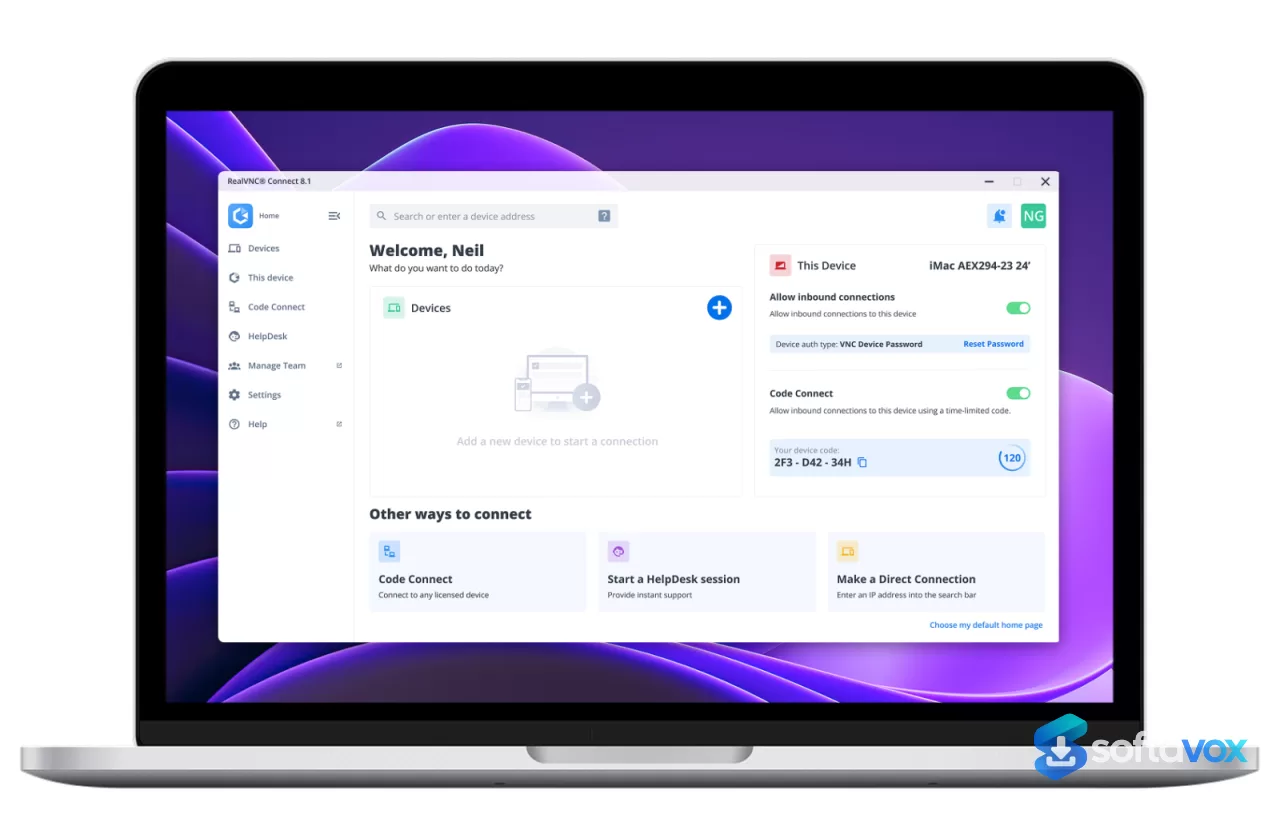
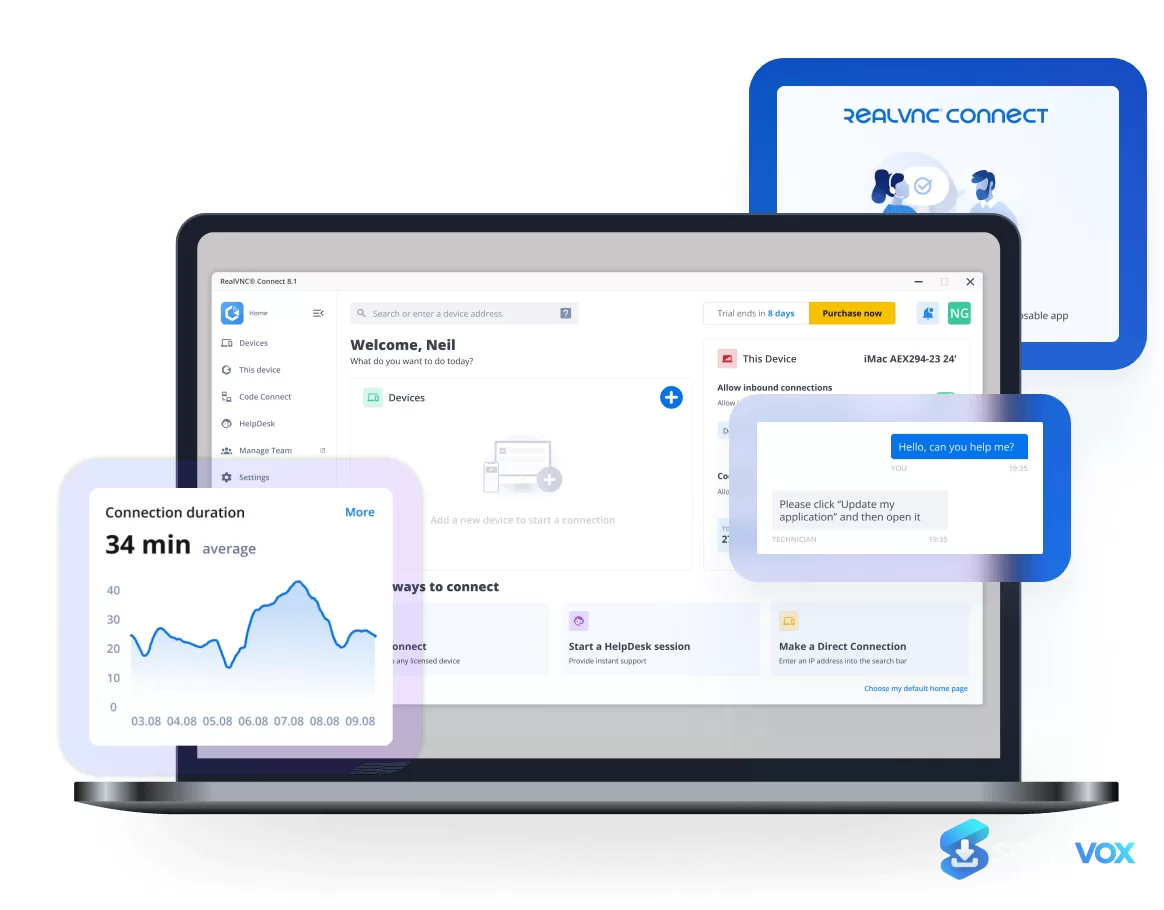
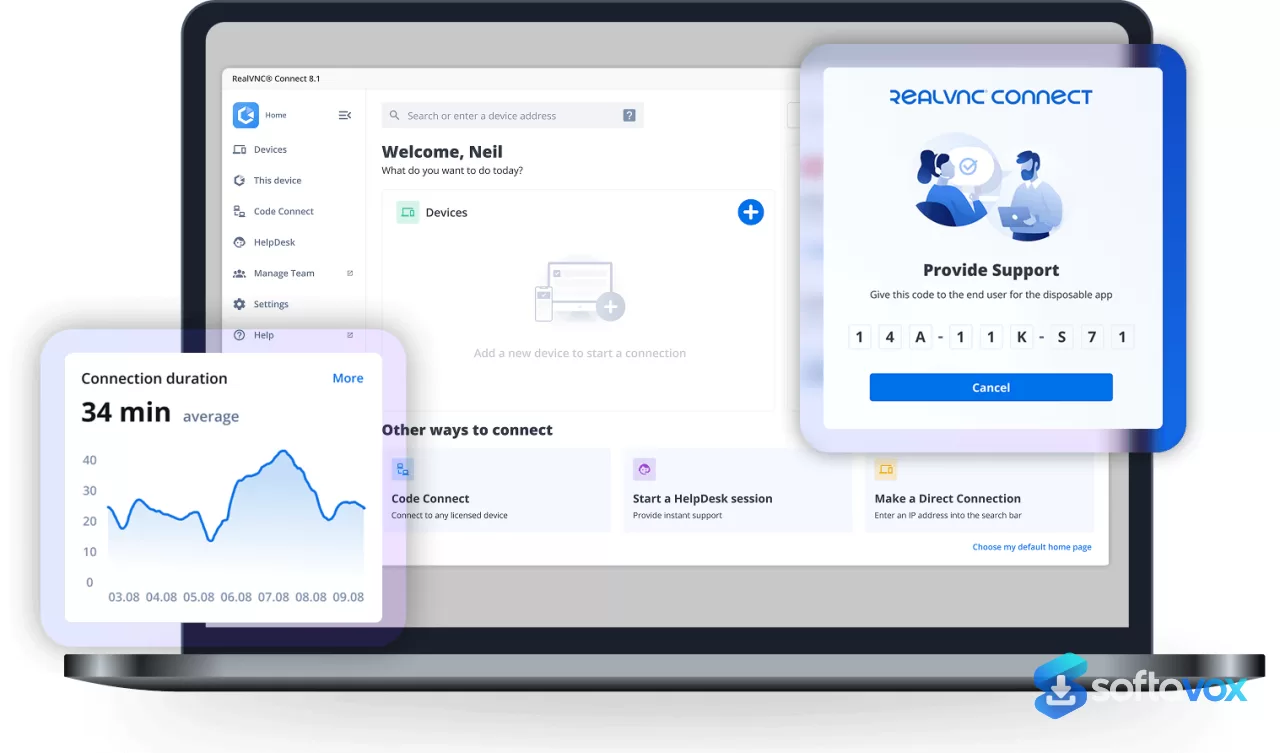
About RealVNC
RealVNC Download | Secure Remote Access for Any Device
TL;DR Quick Take / Who is this for?
RealVNC Connect is a remote access tool built by the team that created the VNC protocol, and it remains the most polished way to control another computer across platforms. The free Lite plan covers non-commercial use with one user, three devices, and one connection at a time, enough for helping family or reaching your own home machine. Paid plans start at $8.75 per month billed annually and add features like file transfer, printing, and centralized management for IT teams. Connections are encrypted end-to-end with AES-128 or AES-256, and the software is installed on over a billion devices worldwide. The catch is that RealVNC retired its free Home plan in June 2024, so anyone who needs business use or more than three devices must pay. User reviews are split: long-time users praise the reliability and cross-platform reach, while others complain about unresponsive support and a clunky interface. RealVNC is the right pick for IT administrators, small businesses, and individuals who need dependable remote access with strong security and are willing to pay for it. It is not the best choice for users who want a completely free tool for commercial work or who expect fast, responsive customer service.
Quick Info Box
| License Type | Freemium (Lite free for non-commercial; paid from $8.75/month annual) |
|---|---|
| File Size | About 19 MB (Windows server installer); viewer about 11 MB |
| OS Compatibility | Windows, macOS, Linux, Raspberry Pi OS, Android, iOS |
| Latest Version | RealVNC Connect 8.5.2 (August 2026) |
| Developer | RealVNC Limited (Cambridge, UK) |
Key Features & Real-World Usability
RealVNC Connect is built around a simple promise: connect to any device from anywhere with strong security and minimal friction. The software uses the VNC protocol, which RealVNC pioneered, and it remains the de facto standard for cross-platform remote control. Setup is straightforward. You install the server on the machine you want to control, install the viewer on the device you want to control it from, sign in with a RealVNC account, and connect. Direct connections are possible on some plans, but most users rely on RealVNC’s cloud broker, which means both devices need to be able to reach RealVNC’s services. That is rarely a problem on home networks, but it can complicate deployment on locked-down corporate networks. The feature set scales with the plan. Lite is deliberately minimal: basic remote control for personal use. Paid tiers add file transfer, remote printing, session recording, chat, and centralized management tools. Security is consistent across tiers: AES-128 encryption is the default, AES-256 is available, and connections are end-to-end encrypted so RealVNC cannot see your session data. Two-factor authentication and single sign-on are supported on business plans. The interface is functional but not elegant. Reviewers consistently describe it as easy to deploy and use, but also note that some features feel unintuitive, file transfer and the login HUD draw recurring complaints. Mobile access is available and works well for quick checks, though it is not a full desktop replacement.
- End-to-end encryption: Sessions are encrypted with AES-128 by default, with AES-256 available. RealVNC does not process, store, or have access to session data.
- Cross-platform coverage: Server and viewer run on Windows, macOS, Linux, Raspberry Pi OS, Android, and iOS, with a web viewer also available.
- Free Lite plan: One user, three devices, and one connection at a time for non-commercial use only. This is the replacement for the retired Home plan.
- Cloud and direct connections: Connect through RealVNC’s cloud broker for convenience, or use direct connections on supported plans for lower latency.
- Scalable business features: Paid plans add file transfer, remote printing, session recording, chat, and centralized device management for IT teams.
- Strong authentication options: Two-factor authentication and single sign-on are available on business tiers, supporting compliance requirements.
- Enterprise adoption: Installed on over one billion devices globally, with ISO 27001 certification and a long track record in IT infrastructure.
Pros, Cons & Community/User Feedback
RealVNC’s reputation is built on reliability and cross-platform reach, but the user experience is more complicated than the marketing suggests. On Gartner Peer Insights, RealVNC Connect holds a 4.2 to 4.4 star rating across different comparison pages, and 74% of users on Software Advice recommend the product. Reviewers consistently praise how easy it is to deploy, the security features like MFA, and the ability to reach a wide range of devices, one IT manager described it as “indispensable” for remote connection to any machine. A senior systems engineer highlighted that it works with Linux, Windows, and Mac environments, and that two-factor authentication meets their security standards. The complaints are equally consistent. Support is the biggest sore point. One long-time user who had relied on RealVNC for years described the technical support as “absolutely HORRIBLE,” with no response to emails and a technician who left a chat session without warning. Others report slow responses, especially on the free plan. Pricing changes have also frustrated users: the retirement of the free Home plan in 2024 forced many personal users onto paid subscriptions or the more limited Lite plan. A smaller cluster of complaints focuses on performance and interface. One reviewer on Software Advice described the software as “buggy, connections often fail, support is unresponsive, and basic functionality is unreliable.” Others note that the UI feels clunky, that file transfer is not intuitive, and that the login HUD can be glitchy. On the positive side, users who rely on the paid plans for business use often describe the support as knowledgeable and responsive, suggesting that the experience depends heavily on which tier you are on.
Pros
- End-to-end AES encryption with optional 256-bit strength and Perfect Forward Secrecy
- Cross-platform support for Windows, macOS, Linux, Raspberry Pi, Android, and iOS
- Free Lite plan for non-commercial use with one user and three devices
- Simple deployment for IT teams, with cloud and direct connection options
- Scalable business features including file transfer, printing, session recording, and centralized management
- Strong authentication options with two-factor authentication and single sign-on
- Long track record and enterprise adoption on over one billion devices
Cons
- Free plan is restricted to non-commercial use only; business use requires a paid subscription
- Customer support is repeatedly criticized as slow or unresponsive, especially on lower tiers
- The free Home plan was retired in 2024, forcing personal users onto Lite or paid plans
- Some users report performance issues, failed connections, and “buggy” behavior
- Interface is functional but clunky, with unintuitive file transfer and login HUD glitches
- Cloud brokering requires outbound access to RealVNC services, which can complicate corporate deployments
- No lifetime license option; all paid plans are subscription-based
Final Verdict & Safe Download Advice
RealVNC Connect earns a recommendation for one specific job: providing dependable, secure remote access across a mixed fleet of devices, backed by the team that created the VNC protocol. If you are an IT administrator, a small business, or an individual who needs to reach a handful of machines with strong encryption and cross-platform support, RealVNC delivers. The Lite plan is a reasonable free entry point for personal use, and the paid tiers add genuinely useful business features like file transfer, printing, and centralized management. The caveats are real. Support quality is inconsistent, and the free tier is deliberately limited. Users who need commercial remote access on a budget should look at alternatives like AnyDesk or RustDesk, and anyone who expects responsive customer service should factor that into the decision. RealVNC is a specialist tool for people who value reliability and security over price and polish. If that describes your needs, it is a solid choice.
- Download only from the official RealVNC website or official app stores: The legitimate installers come from realvnc.com. Third-party download sites often repackage installers with adware or bundle unwanted software.
- Verify the installer size and version: The Windows server installer is roughly 19 MB, and the current RealVNC Connect version is 8.5.2. A dramatically larger file or an outdated version number is a warning sign.
- Choose the right component: RealVNC splits into a Server (the machine being controlled) and a Viewer (the machine you control from). Download the correct one for your role.
- Check your plan eligibility: The Lite plan is free for non-commercial use only. If you are connecting to a work computer, RealVNC classifies that as commercial use and requires a paid plan.
- Enable two-factor authentication: Even on the free plan, turn on 2FA if available in your region. It adds a critical layer of protection against stolen credentials.
- Decline bundled offers during installation: The official installer may offer optional components or upsells. Deselect anything you did not intend to install if you only want the core remote access tool.
Similar software


Key features
- Secure remote access, connect to and control another computer across platforms
- End-to-end encryption, AES-128 by default, AES-256 available; RealVNC cannot access session data
- Cross-platform support, Windows, macOS, Linux, Raspberry Pi OS, Android, iOS, and web viewer
- Free Lite plan, non-commercial use only: 1 user, 3 devices, 1 connection at a time
- Paid plans from $8.75/month, billed annually; add business and IT features
- Cloud and direct connections, cloud broker for convenience, direct connections on supported plans
- Scalable business features, file transfer, remote printing, session recording, chat, and centralized device management
- Strong authentication, two-factor authentication and single sign-on on business tiers
- Simple deployment, separate Server and Viewer components; suitable for IT teams
- Enterprise track record, installed on over 1 billion devices; ISO 27001 certified
- Current version, RealVNC Connect 8.5.2; Windows server installer ~19 MB, viewer ~11 MB
Frequently asked questions about RealVNC
What is RealVNC Connect?
Is RealVNC free?
Can I use the free Lite plan for work?
What happened to the free Home plan?
How secure is RealVNC?
What platforms does RealVNC support?
What features do paid plans add?
What are the main complaints about RealVNC?
Is RealVNC good for IT teams?
Are there free alternatives for commercial use?
Where should I download RealVNC?
What file size and version should I expect?
Should I enable two-factor authentication?
Does RealVNC offer a lifetime license?
Versions
| Version | Release date | Platform | File size | |
|---|---|---|---|---|
| RealVNC 3.5.0 Latest version | Nov 3, 2026 | WindowsmacOSLinux | 3.2 MB | Download |
Comments about RealVNC
No comments yet. Share your experience with this program!